Video to Video
Kling 2.6 Pro Motion Control
Transfer motion from reference videos to character images.
Hint: You can drag and drop a file or click to upload
Hint: You can drag and drop a file or click to upload
Example
Input
Video
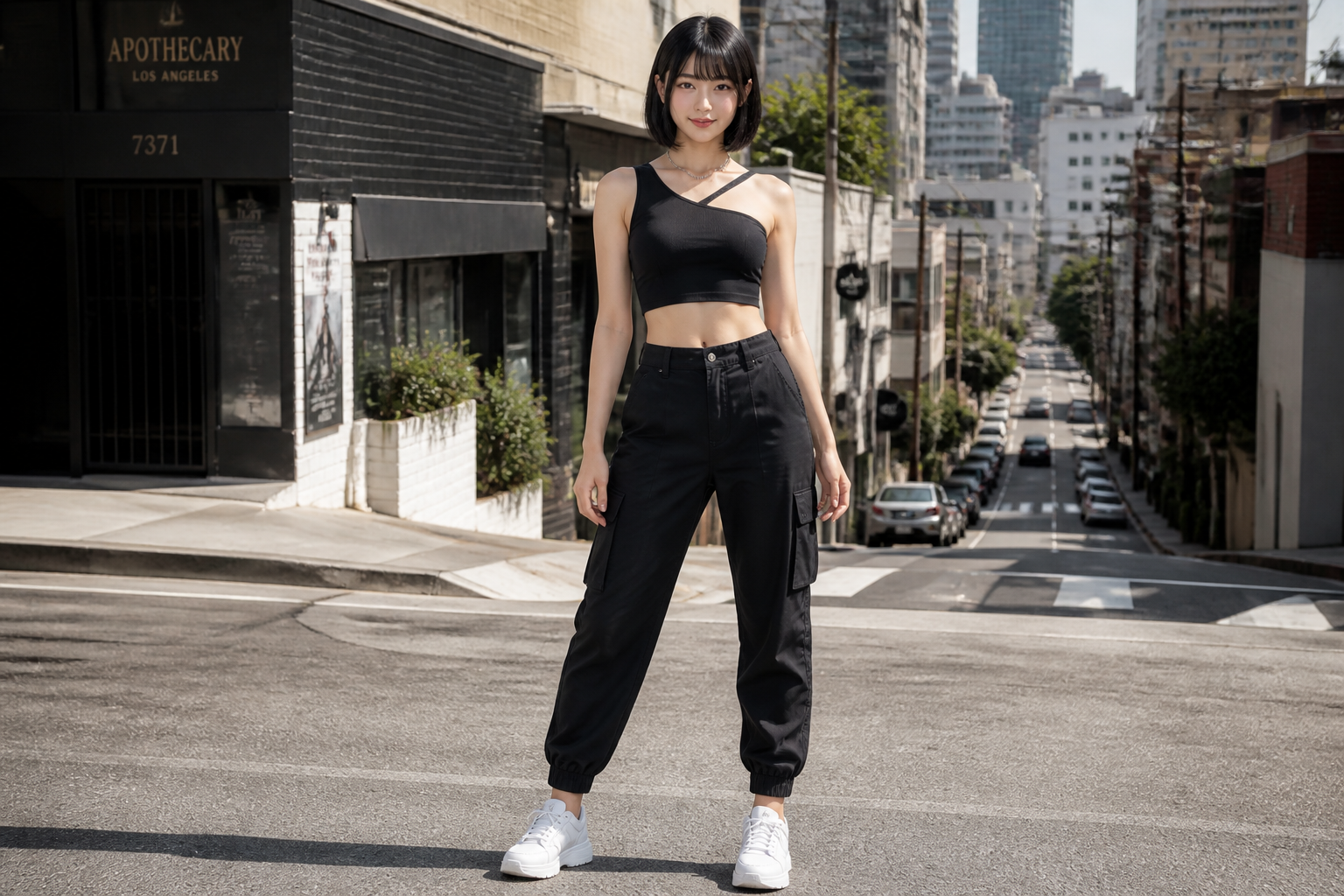 Input
InputSample output shown above. The prompt and settings are pre-filled on the left.
Billed per second of your uploaded video: 720P $0.07/s · 1080P $0.112/s.
Related Models
README
Kling / Kling 2.6 Pro Motion Control — Video to Video (kling-v2-6-motion-control)
Kling 2.6 Pro Motion Control transfers movements from a reference video to any character image, creating smooth and realistic animations while preserving identity.
Highlights
- •Motion transfer – Dance, gesture, and action transfer to characters.
- •Identity preservation – Maintains character appearance throughout.
- •Flexible duration – Up to 30 seconds with video orientation.
- •Audio support – Option to keep original sound from reference.
Parameters
- •image* – Character reference image
- •video* – Motion reference video
- •prompt – Scene styling prompt (e.g., "cinematic lighting, golden hour")
- •resolution – Output resolution
- • 720P
- • 1080P
- •character_orientation – Character orientation mode
- • Video - Match reference video (up to 30s)
- • Image - Match reference image (up to 10s)
Pricing
$0.35 per generation
| Resolution | Price |
|---|---|
| 720P | $0.07/s |
| 1080P | $0.112/s |
How to Use
- 1.Upload a character portrait image.
- 2.Upload a reference video with desired motion.
- 3.Select character orientation mode.
- 4.Optionally add styling prompt.
- 5.Generate motion-transferred video.
More Models to Try
•Content creators: Make characters perform dances or actions.
•Marketing: Create animated character content.
•Entertainment: Character animation for videos.
•Social media: Engaging motion-transferred content.
Related Guides
Frequently Asked Questions
What is the Kling 2.6 Pro Motion Control API?
Transfer motion from reference videos to character images.
How much does Kling 2.6 Pro Motion Control cost via API?
Kling 2.6 Pro Motion Control costs $0.3500 per generation through Renderful's API. No subscription required — pay only for what you use.
How do I use Kling 2.6 Pro Motion Control via API?
Sign up for a free Renderful API key, then send a POST request to the /v1/predictions endpoint with model "kling-v2-6-motion-control". See the documentation at renderful.ai/docs for code examples in Python, JavaScript, and cURL.
What type of content does Kling 2.6 Pro Motion Control generate?
Kling 2.6 Pro Motion Control is a video to video model by Kling. Key features include: Motion Transfer, Character Animation, 720P/1080P.
Is the Kling 2.6 Pro Motion Control API fast?
Kling 2.6 Pro Motion Control has medium generation speed. Results are delivered via polling or webhook callback for seamless integration.